

In this project, I added some functionality to the TodoList application and made it interactive. The user will also be able to mark task completion by selecting the corresponding checkbox (or undo it by unchecking the checkbox).
A ToDo List is a list of tasks you need to complete or things that you want to do.
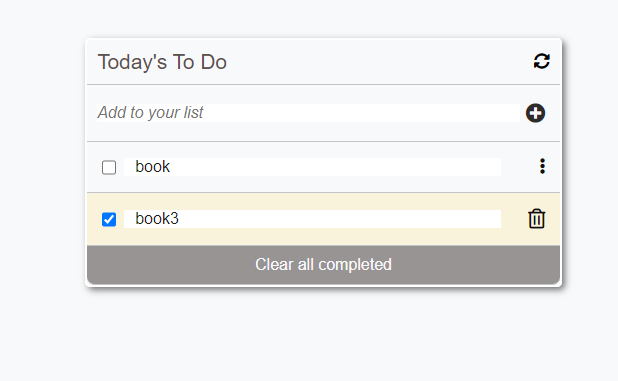
- HTML
- CSS
- Javascript
- ES6
To get a local copy up and running follow these simple example steps.
- Clone the Repo or Download the Zip file or
https://mutalenic.github.io/toDoList2.git. cd /toDoList2- Open it using live server by using this command:
npm run buildornpm start
For tracking linter errors locally you need to follow these steps:
After cloning the project you need to run these commands
npm install This command will download all the dependancies of the project
For tracking linter errors in HTML files run:
npx hint .
For tracking linter errors in CSS or SASS files run:
npx stylelint "\*_/_.{css,scss}"
And For tracking linter errors in JavaScript files run:
npx eslint .
👤 Nicholas Mutale https://github.com/Mutalenic
- GitHub: @GitHub/Mutalenic
Feel free to check the [https://github.com/Mutalenic/toDoList2/issues]
To get a local copy up and running follow these simple example steps.
.copy the repo URL .git clone (https://github.com/Mutalenic/toDoList2/issues)
Thanks to My coding Partners and Standup-team
Give a ⭐️ if you like this project