
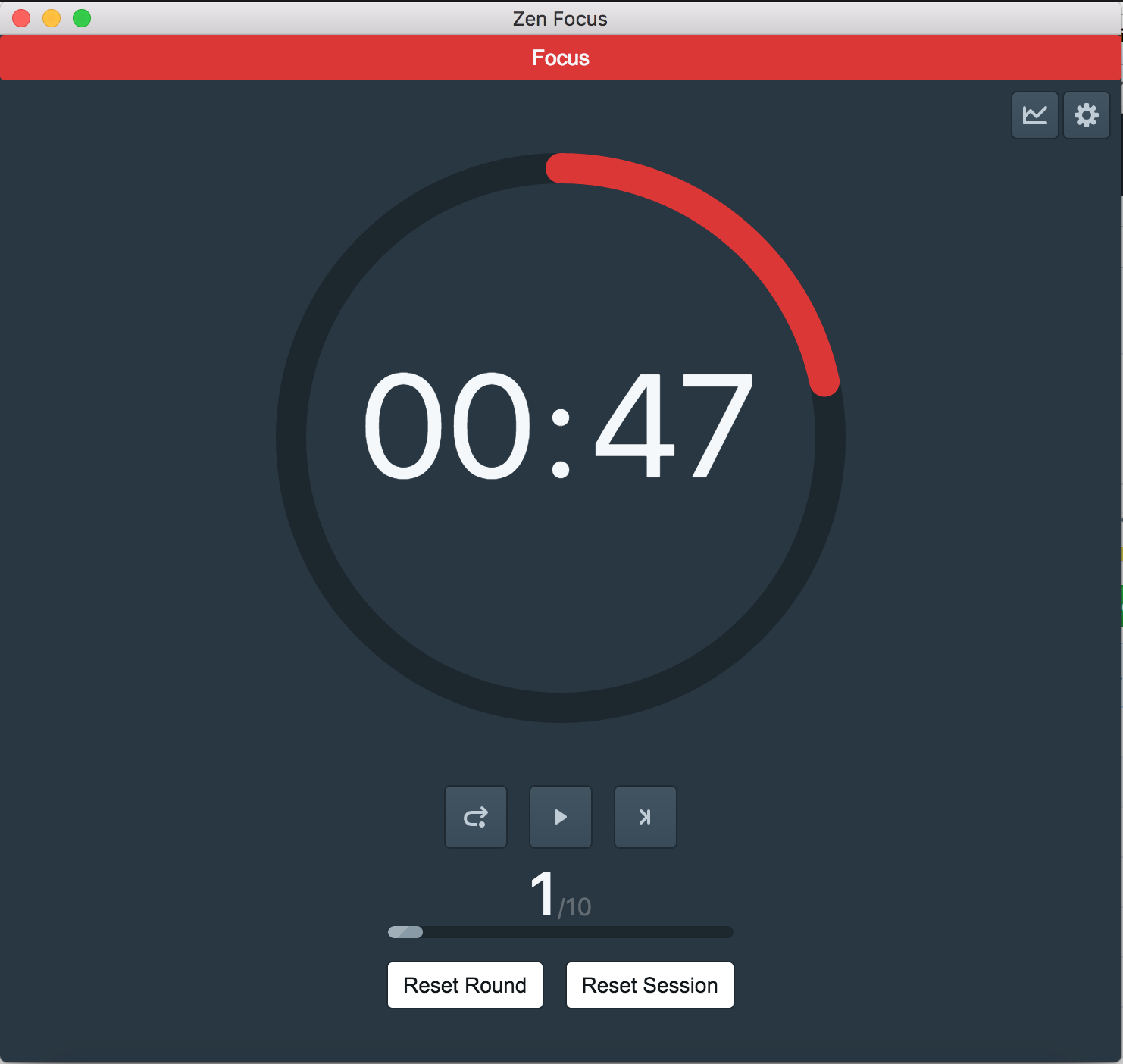
First, fork the repo and clone to your local.
And then install dependencies. ProTip: Install with yarn for faster and safer installation:
$ cd your-project-name && yarn installStart the app in the dev environment. This starts the renderer process in hot-module-replacement mode and starts a server sends hot updates to the renderer process:
$ yarn run dev- OS X: Cmd Alt I or F12
- Linux: Ctrl Shift I or F12
- Windows: Ctrl Shift I or F12
See electron-debug for more information.
This boilerplate is included following DevTools extensions:
- Devtron - Install via electron-debug.
- React Developer Tools - Install via electron-devtools-installer.
- Redux DevTools - Install via electron-devtools-installer.
You can find the tabs on Chrome DevTools.
If you want to update extensions version, please set UPGRADE_EXTENSIONS env, just run:
$ UPGRADE_EXTENSIONS=1 yarn run dev

# For Windows
$ set UPGRADE_EXTENSIONS=1 && yarn run dev
💡 You can debug your production build with devtools by simply setting the DEBUG_PROD env variable:
DEBUG_PROD=true yarn run package
MIT © builtwithluv