


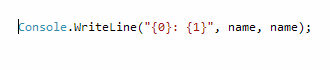
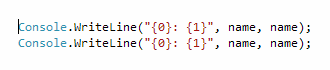
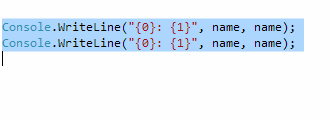
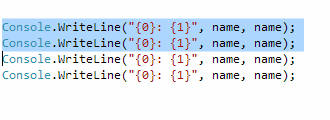
This Visual Studio extension adds a "Duplicate Selection" command that you can bind to a keyboard shortcut of your choosing (but I recommend Ctrl+D). When invoked, the command inserts whatever text you have selected in front of the current selection. Alternatively, if you do not have a selection, it duplicates the line the caret is on.
To change the keyboard shortcut that the command is bound to, go into Tools > Options > Keyboard, and type "Duplicate" in the search box (the full command string is "Edit.DuplicateSelection"). Here you can bind it to any shortcut in the same way you would for any other command.
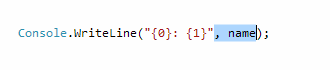
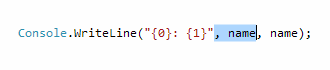
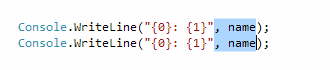
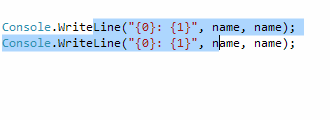
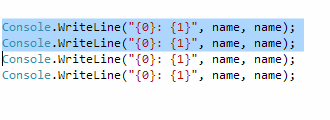
Below are some before and after screenshots to help illustrate what the command will do in different situations.
| Before | After |
|---|---|
 |
 |
 |
 |
 |
 |
 |
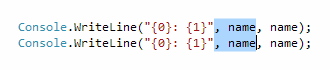 |
If you select multiple lines but the selection does not encompass each line entirely, all lines that your selection touches will be duplicated.
| Before | After |
|---|---|
 |
 |