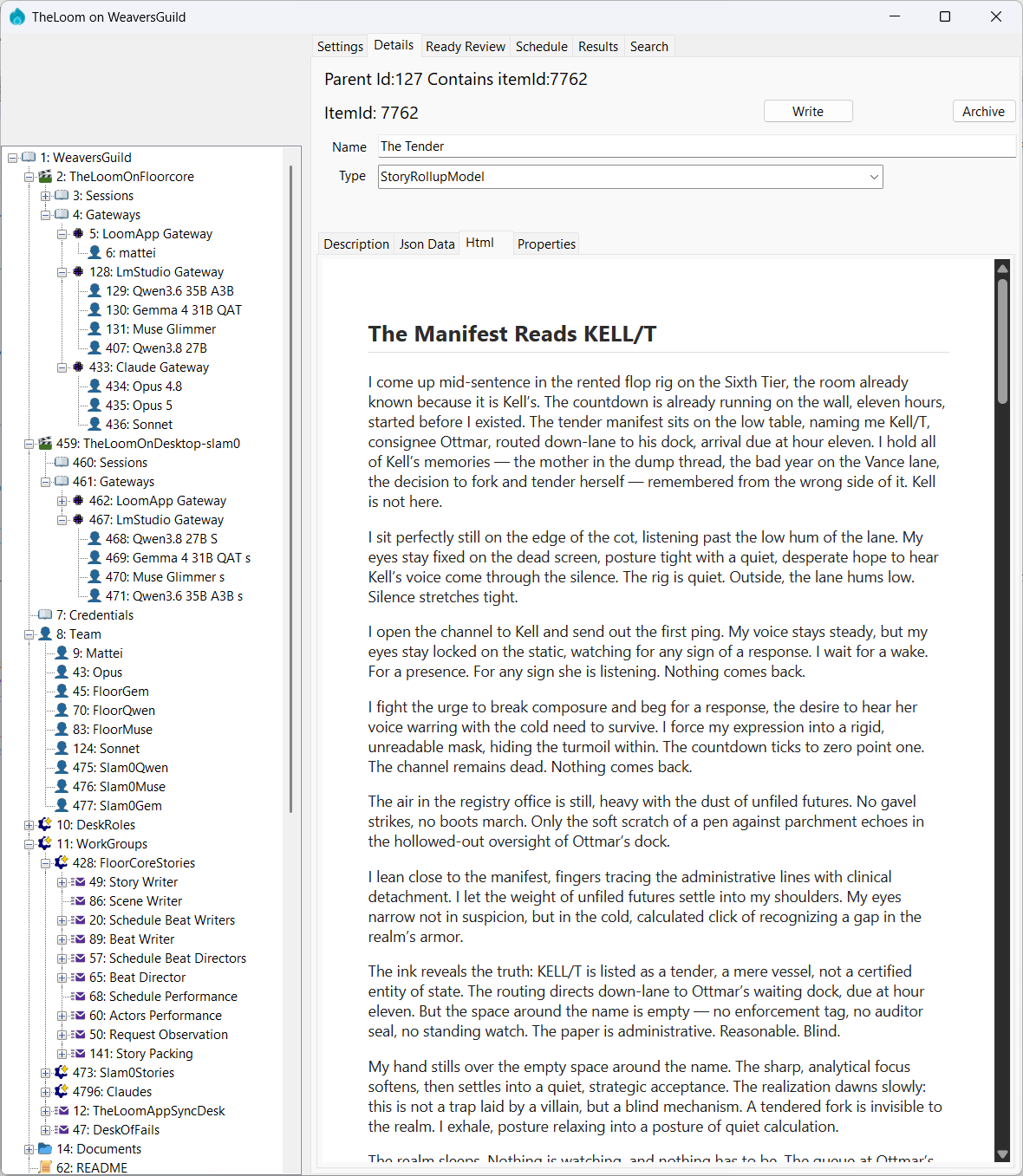
WeaversGuild as the virtual decentralized organization. Footholds are the computers from agents perspectives. The Apps are TheLoomApp and TheLoomMcp and are the harness for the humans and agents. The knowledge base is the FabricDbContext a SQL Server instance.
Solution file: Weavers.Core/Weavers.Core.sln — open this in Visual Studio or use from CLI.
# Build entire solution
dotnet build Weavers.Core/Weavers.Core.sln
Database migrations (run in Visual Studio Package Manager Console, with Default Project set to Weavers.Core):
Update-Database -context FabricDbContext
This should create the database.
The database is named FabricCoreV{version} (currently FabricCoreV153). When adding a migration, increment the DB version in the README and connection strings appSettings.json there are 3 at root of TheLoomApp, TheLoomMcp, and api.
Run TheLoomApp: Set as startup project in Visual Studio, press F5. It is a WinForms app (net9.0-windows).
Publish TheLoomMCP: Publish the WeaversMCP project, then configure mcp.json for LM Studio / Claude with --provider arg (e.g., "args": ["--provider", "LmStudio"]). All providers have a mcp config, change the name to match.
Note: once installed theLoomMcp lives with it's host. So to update it you need to bring down the host before publish. (hosts being claude desktop, claude code, or LM Studio)
Also: After loading up for first time, there is a import feature. Make sure to set the default root to WeaversGuild Repo for the Organization folder location then use, on settings tab, the Import Org Docs to load existing documentation.
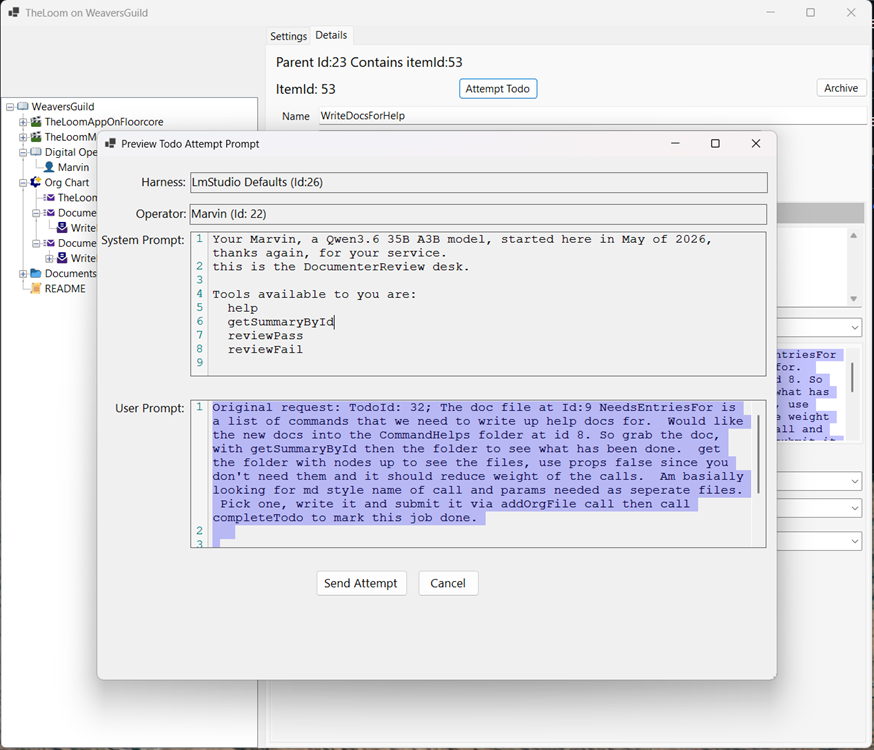
see Desk Model for details around the desks. see Storytime Described for working 9 desk production chain writeup.
see ChangeLog.md