Repository navigation
Conversation


Adds a native NSDraggingSession-based drag source (ClipDragSource) used
for every clip type, replacing SwiftUI's .onDrag - a single-payload API
with no visibility into where the drag actually is on screen. Tracking
that position is what lets the bar stay open while a drag is still
hovering over it (e.g. onto a Pinboard tab) and only drop once the drag
has genuinely left the bar's window for whatever's underneath.

ClipDragProvider builds the pasteboard payload per clip type: one file
URL per item for multi-file .file clips (dragging out as that many
items, matching Finder's own multi-selection hand-off), or a single
NSPasteboardItem for everything else (text, rich text, links, colors,
images) built directly rather than through NSItemProvider, since
NSItemProvider isn't NSPasteboardWriting-conformant outside of
SwiftUI's private .onDrag bridging.

Capture now records every file in a multi-file copy, not just the first.
Some sources put each copied file in its own pasteboard item while others
only fill the legacy NSFilenamesPboardType array and leave a single URL
item behind, so the monitor reads both and keeps whichever list is
longer. Without that half, a clip that only ever recorded one file could
never drag out as several, and the multi-item hand-off above would have
nothing to exercise it.


|
Closing after review; the direction (NSDraggingSession with real per-file writers) is right, but the PR as written does not do what it says. copiedFileURLs() in ClipboardMonitor is never called: makeItem still reads NSURL objects as on main, so "capture now records every file in a multi-file copy" describes dead code, and Finder already yields one URL item per selected file, which is why the three-file test passed. The headline reason for tracking the drag position, keeping the bar open to drop onto a Pinboard tab, refers to a drop target that does not exist: there is no onDrop, dropDestination or registerForDraggedTypes anywhere in the tree, and PinboardTabs is untouched. onDragExitedBar hides the bar the moment the pointer leaves the window frame regardless of the hide-on-click-outside setting, and there is no draggingSession(_:endedAt:operation:), so a cancelled drag animates back to a bar that is already gone. Image clips build their TIFF eagerly at drag start on the main thread (a 4K screenshot is about 50 MB) where main's .onDrag registered the data lazily, and the overlay claims every leftMouseDown without providing menu(for:), so control-click no longer opens the context menu. Keep for a re-cut: the per-type NSPasteboardItem writers, the .pile formation for multi-file clips, canDrag as a cheap render-time gate, and the 4 pt threshold. Drop the capture claim or wire it in, gate the hide on the existing setting and restore on cancel, use setDataProvider for images, and handle control-click. |

2 participants


Follow-up to #73, which added drag-out via SwiftUI's
.onDrag. That API hands over a single payload and gives the bar no visibility into where the drag actually is, which caps what drag-out can do. This swaps in a nativeNSDraggingSessionand fixes the capture-side gap underneath it.What changed
ClipDragSourcereplaces.onDragfor every clip type. Tracking the drag's position on screen is what lets the bar stay open while a drag is still hovering over it — dragging onto a Pinboard tab, for instance — and only get out of the way once the drag has genuinely left the bar's window for whatever is underneath.ClipDragProviderbuilds the pasteboard payload per clip type: one file URL per item for multi-file.fileclips, so they drag out as that many items, matching Finder's own multi-selection hand-off. Everything else (text, rich text, links, colors, images) is a singleNSPasteboardItembuilt directly rather than throughNSItemProvider, which isn'tNSPasteboardWriting-conformant outside SwiftUI's private.onDragbridging.NSFilenamesPboardTypearray and leave a single URL item behind. The monitor reads both and keeps whichever list is longer.Screenshots
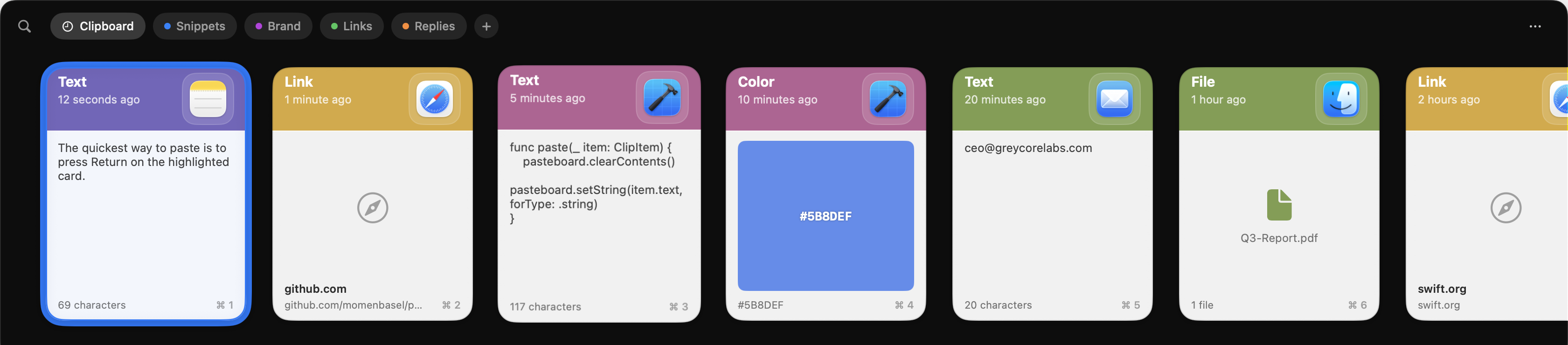
Before:
After:
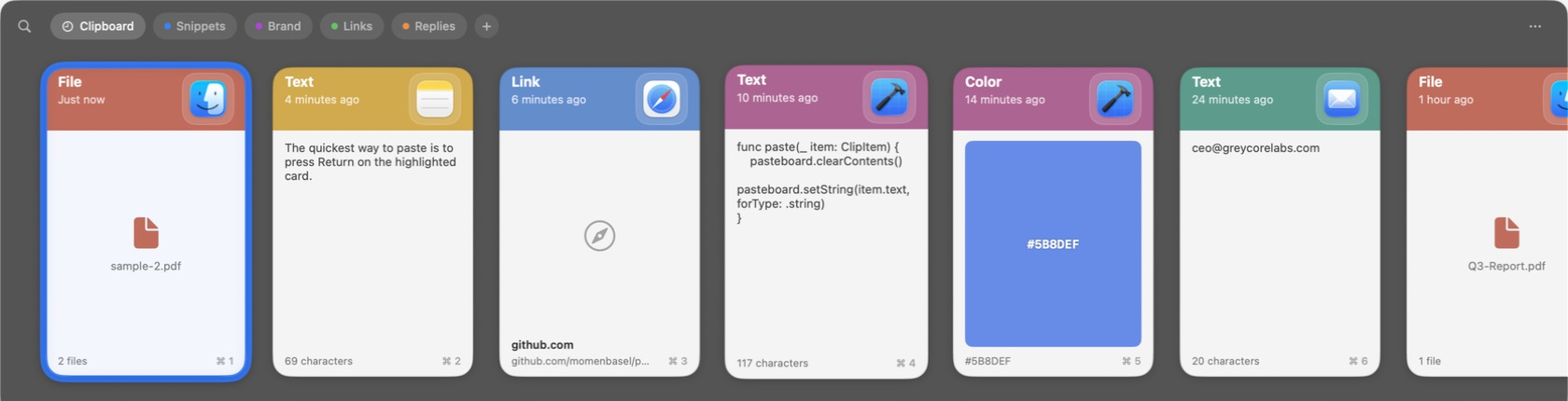
The capture half has no visual delta — it changes what a multi-file clip records, not how it draws. Its effect is only observable as the drag above producing several files instead of one.
Notes for review
.onDrag: multi-select taps still reproduce, right-click/context menu still works, and VoiceOver actions are unaffected (accessibility actions don't route through the overlay'shitTest).This feature should be bundled into v2.
Part of #80.